
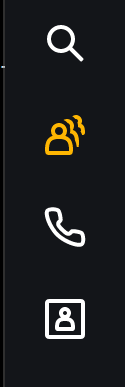
As a member of the Reception Call Queue you can sign in and out as required. You will find this as a menu item in the left hand menu bar of 8x8 Work .
If the icon below is amber then you are signed in, white means signed out.
Clicking on the icon will give a menu option to either sign in or out.
 |
 |
| Signed Out | Signed in |
Comments
0 comments
Article is closed for comments.