
This guide will show you how to change your primary calling device, Follow the steps below to achieve this.
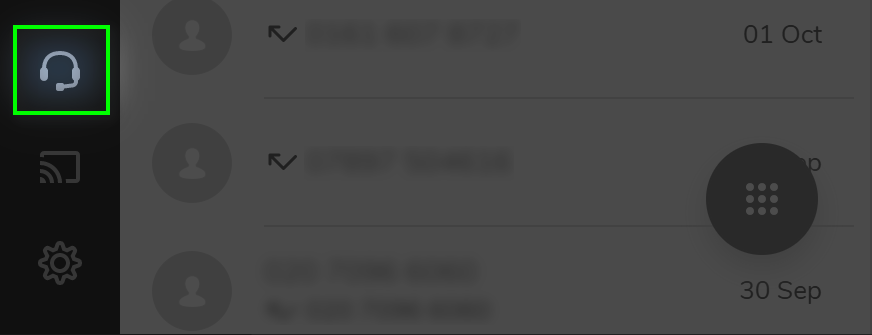
Click on the 'Call using' button located on bottom left side of the window
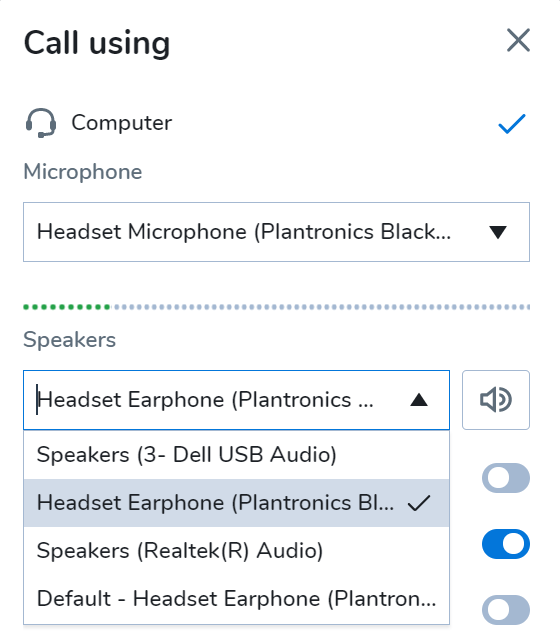
To use your headset instead of the laptop speakers/mic, click on the Microphone and Speaker options and select your headset from the list.
Comments
0 comments
Article is closed for comments.