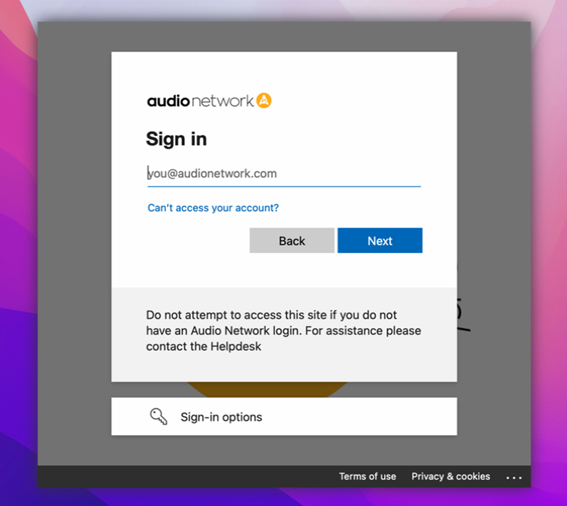
The new Mac sign in experience links your O365 account to you Mac to give us a more secure and flexible way to access Macs. Here are a few quick tips...
You will only need to use the new sign in experience when you restart or sign out of your profile.
The new sign in experience is the same as signing into an O365 webpage with your email address, password and MFA code.
If your Mac locks while you are away or not using it you will get a simple sign in prompt for your O365 password
If you need to use your mac when you have no internet there will be a message telling you to use the Local Login button at the bottom, this only works when you are not connected to the internet.
If you need to connect to a new wireless network while you are out, there is an icon in the top right hand corner of the screen to help you connect.

Comments
0 comments
Article is closed for comments.