
To export any custom rules you may have setup in Outlook:
- In Outlook, click on the File tab and click the button Manage Rules & Alerts
- Click the Options button
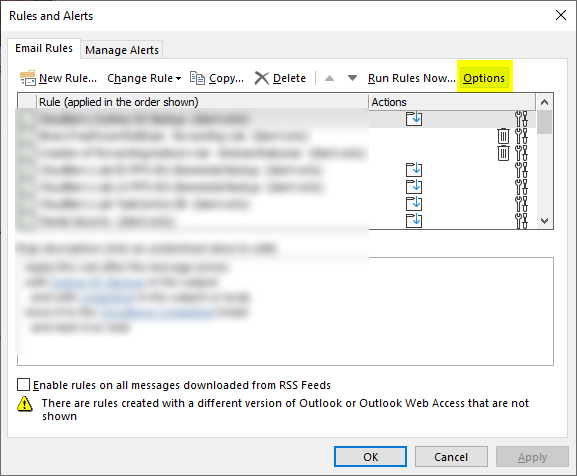
- Click on the Export Rules button and a Save popup will appear. Save the file in a folder in your OneDrive to be backed up.
Comments
0 comments
Article is closed for comments.